Structure
A hospital has too much to say. The homepage has to say it in order.
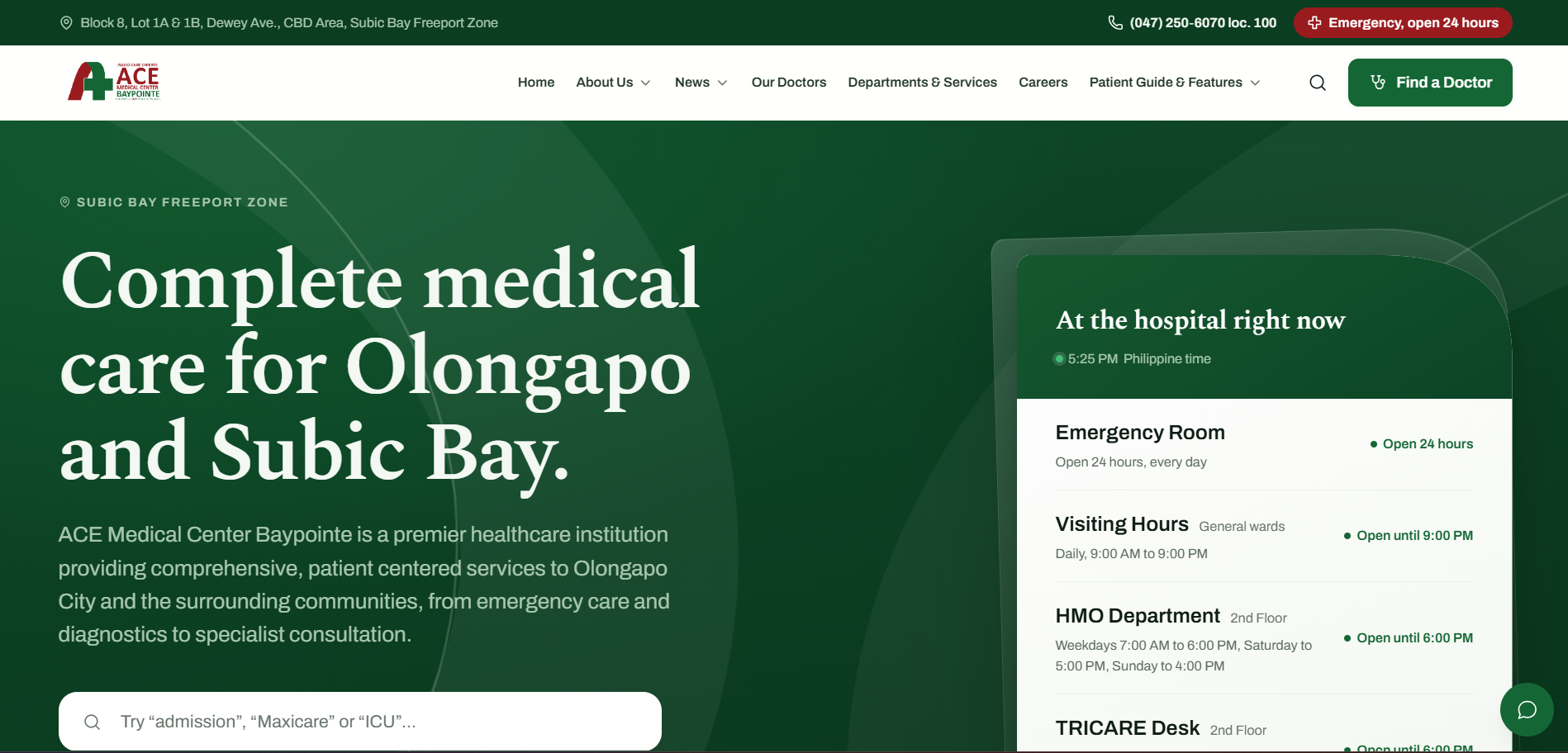
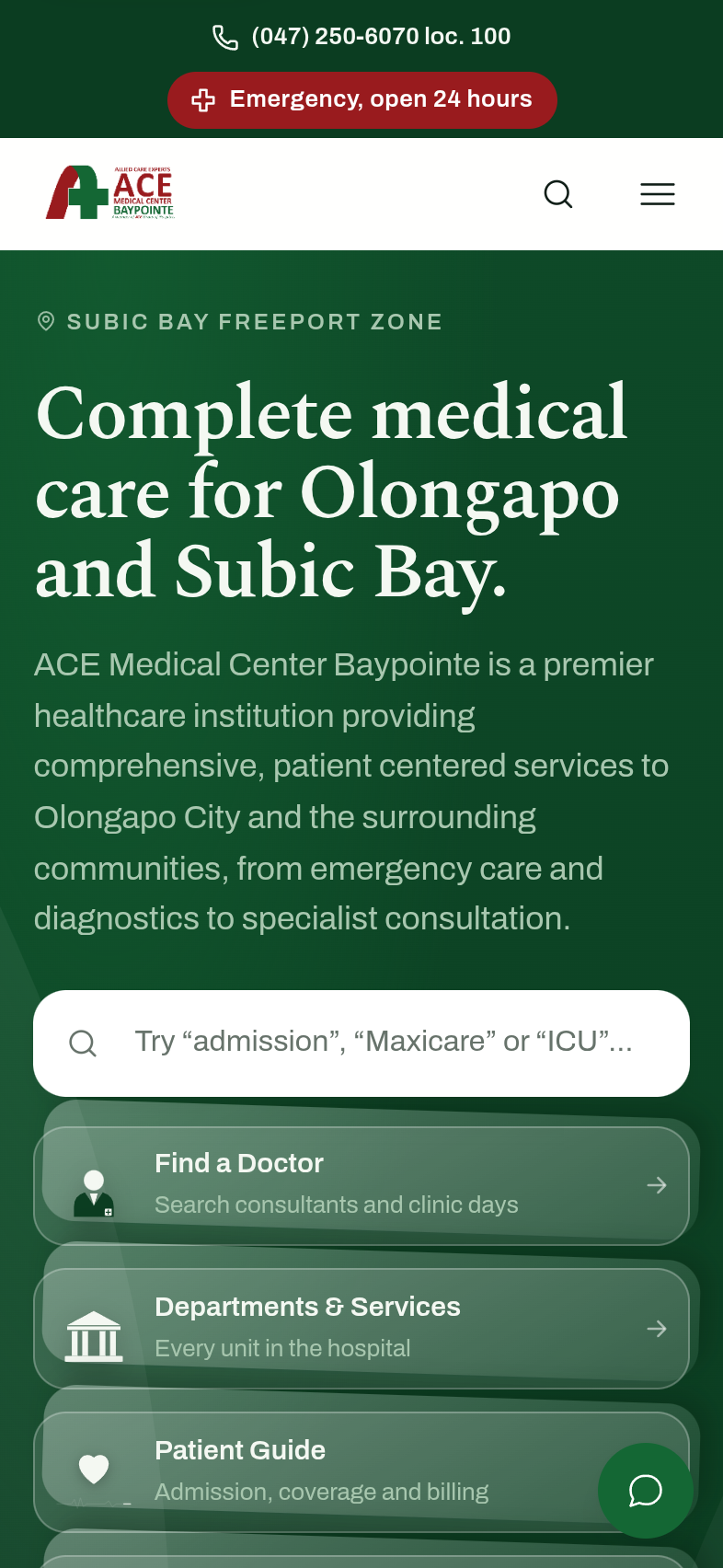
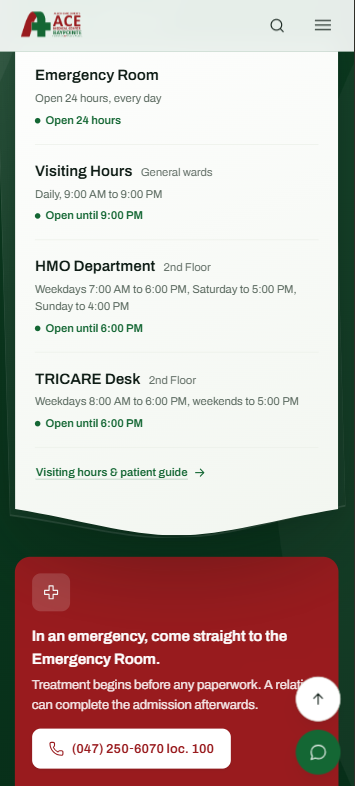
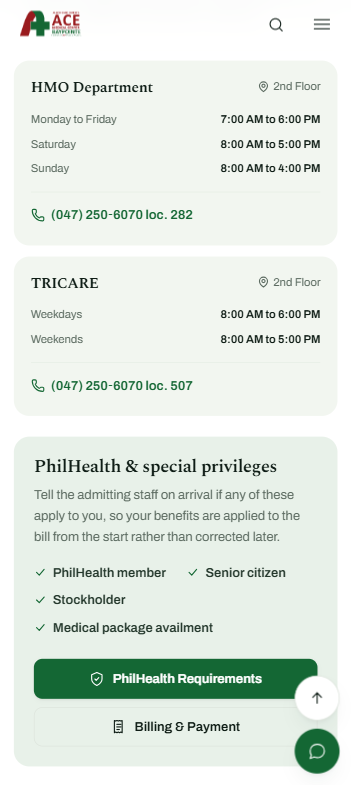
Doctors, departments, insurance desks, visiting hours, admissions, news and careers all needed a home on the same site. Rather than a generic link grid, the hero surfaces what changes hour to hour — which desks are open right now and until when — and everything with a lower urgency moves further down the page.
The worst-case visit
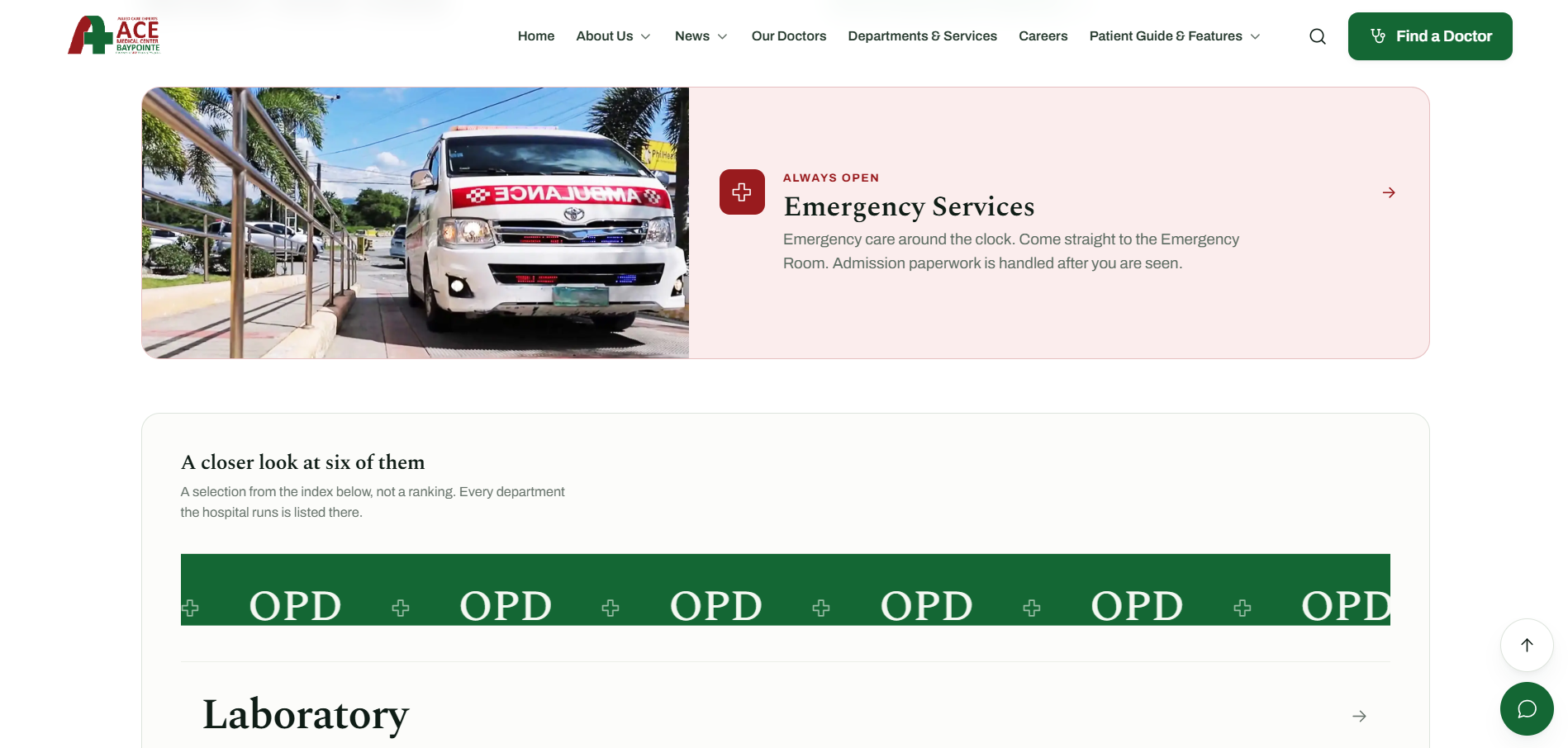
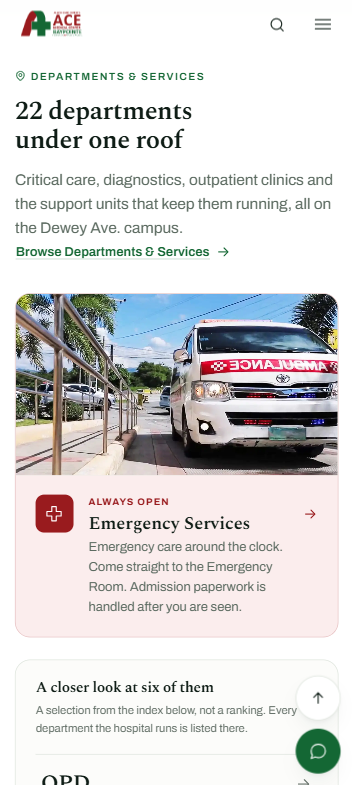
Emergency information never has to be searched for.
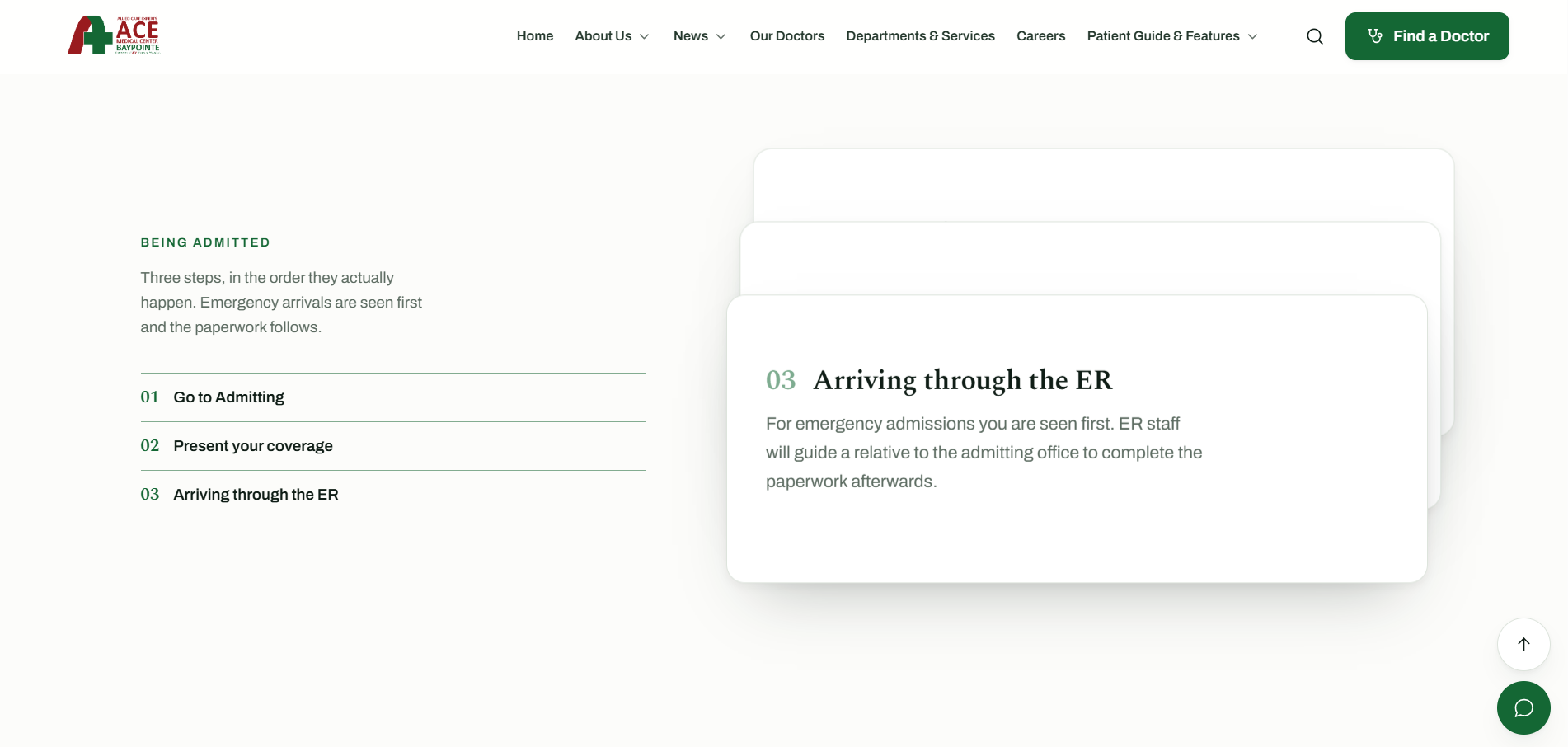
The emergency line and a plain three-step admission walkthrough are treated as first-class content, not a footnote in a services list. Someone arriving in a hurry should not have to read a hospital website to find out what happens next.
Scope
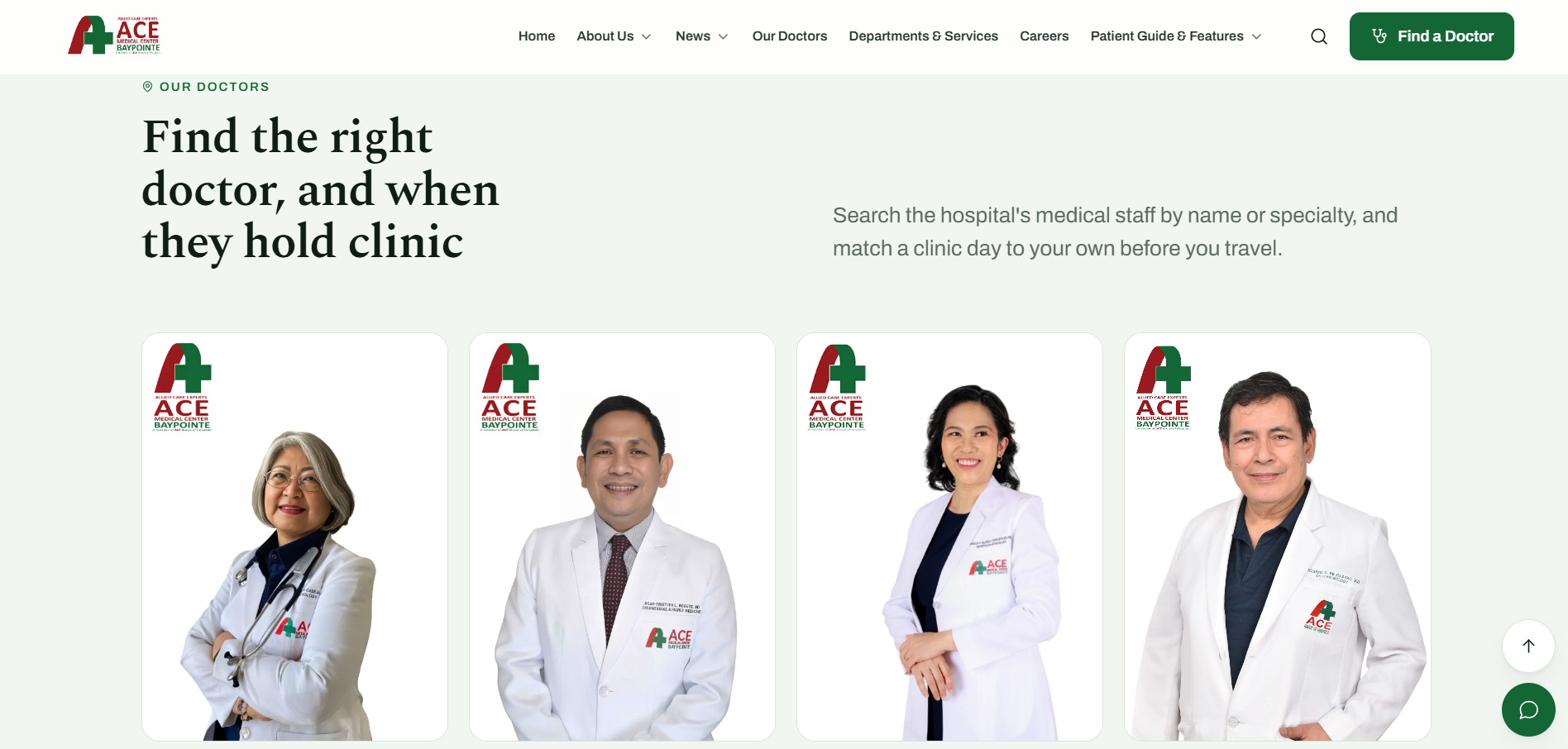
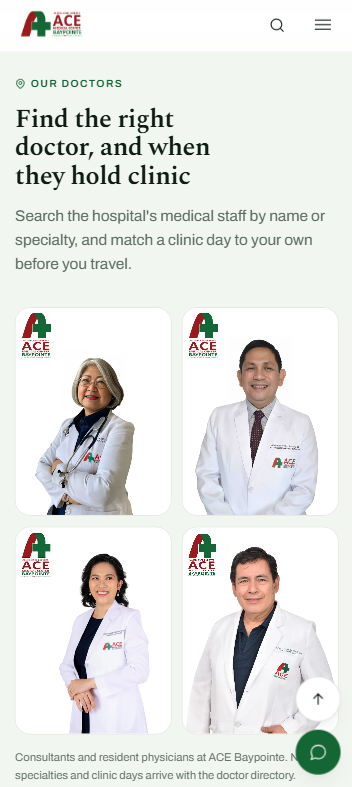
A doctor directory, a department index, and a hospital’s worth of pages, held to one system.
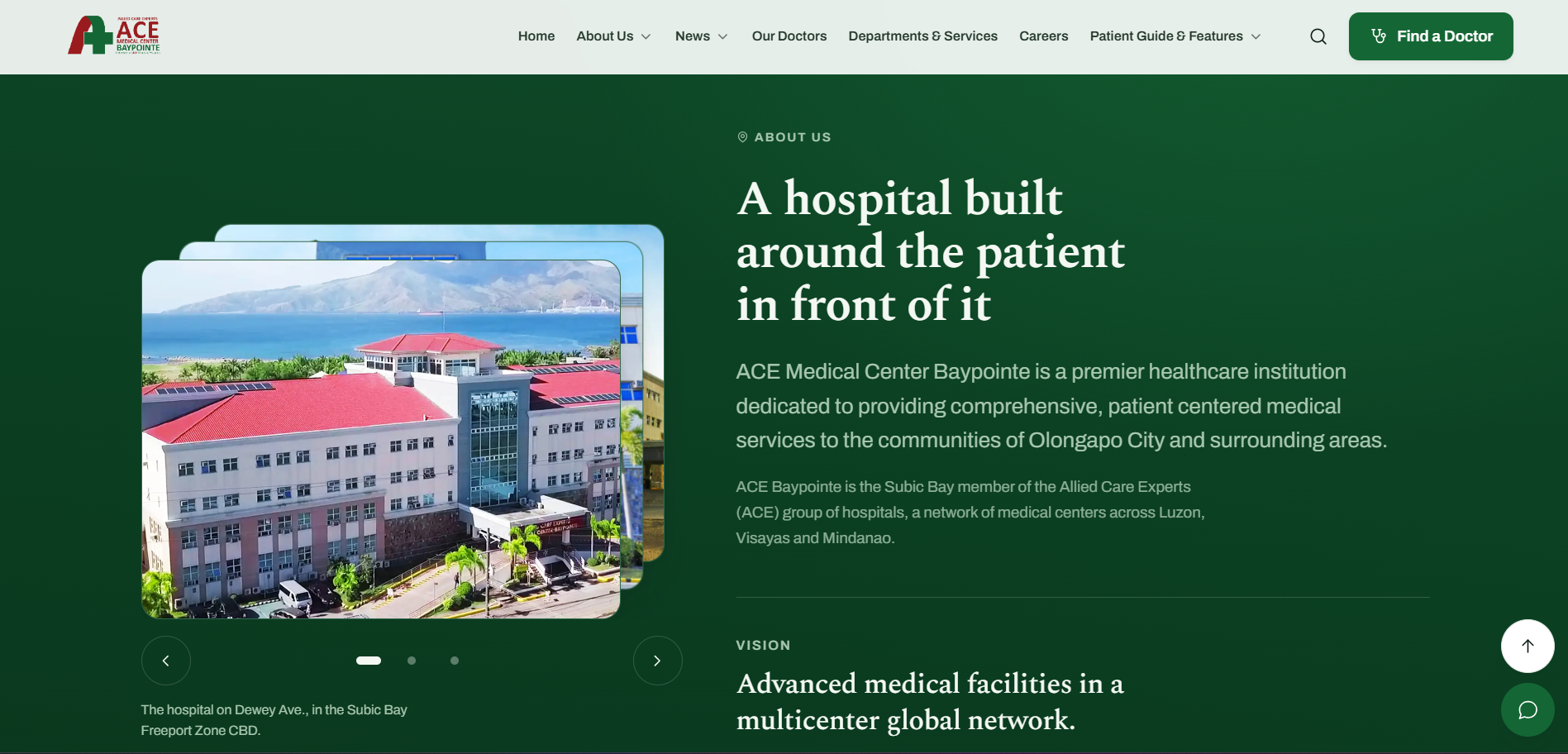
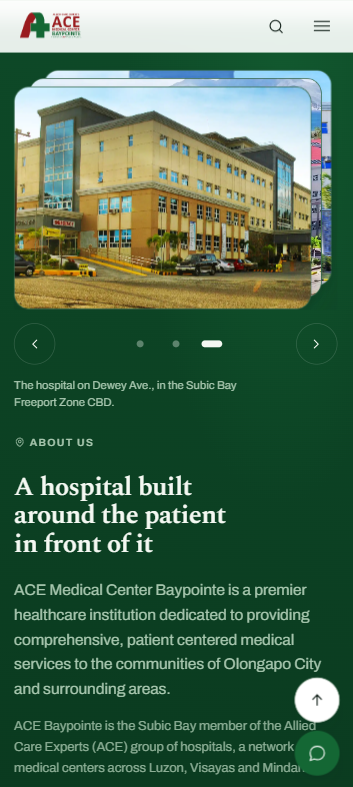
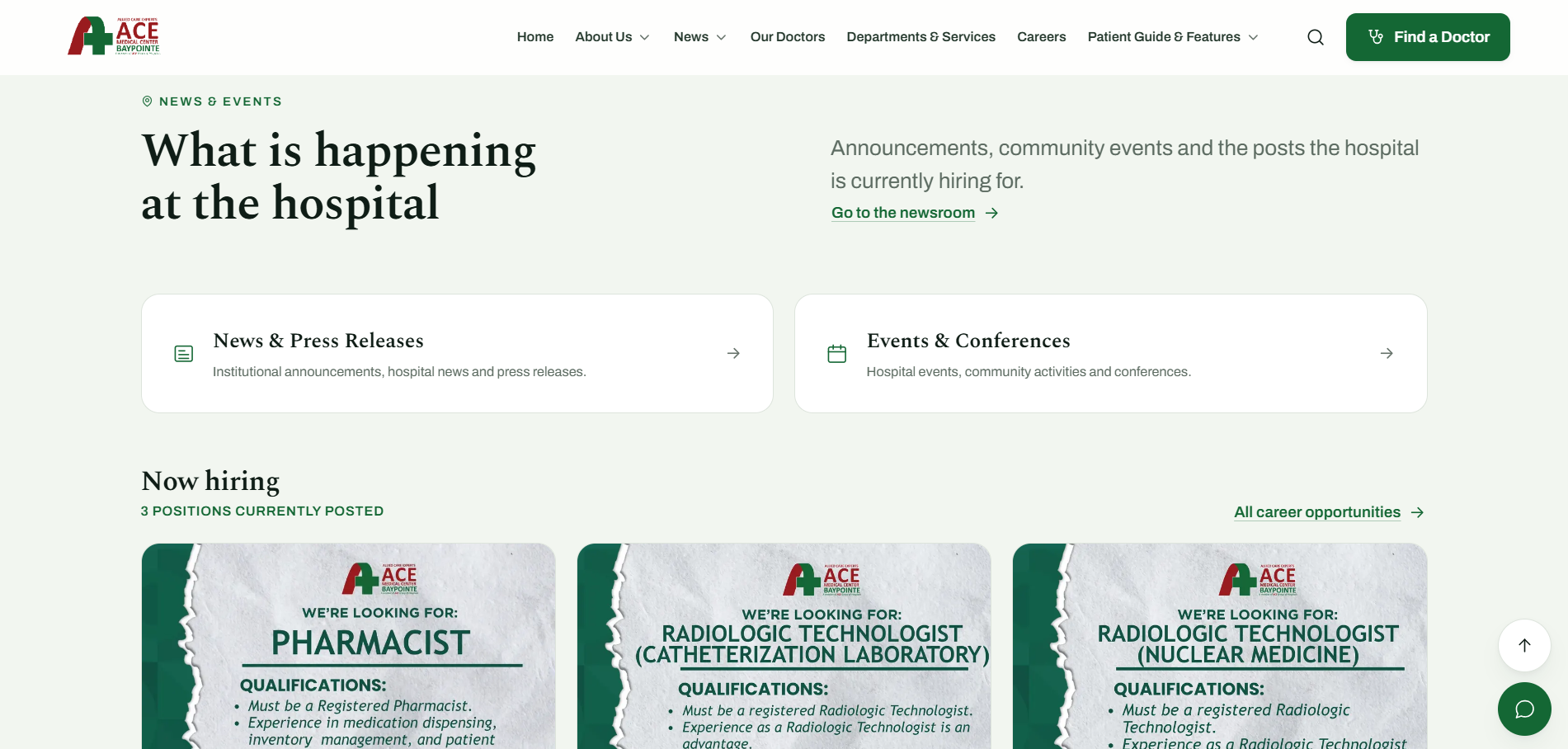
Search by specialty and clinic day, a department index, news and current openings, and a full patient guide all run through the same type scale and component set so a thirteen-screen site still reads as one place rather than a stitched-together stack of templates.